This article is general information, not medical advice. Talk with a licensed clinician before making any decision about your care.
Medicare Plan Finder: a step-by-step walkthrough for 2026
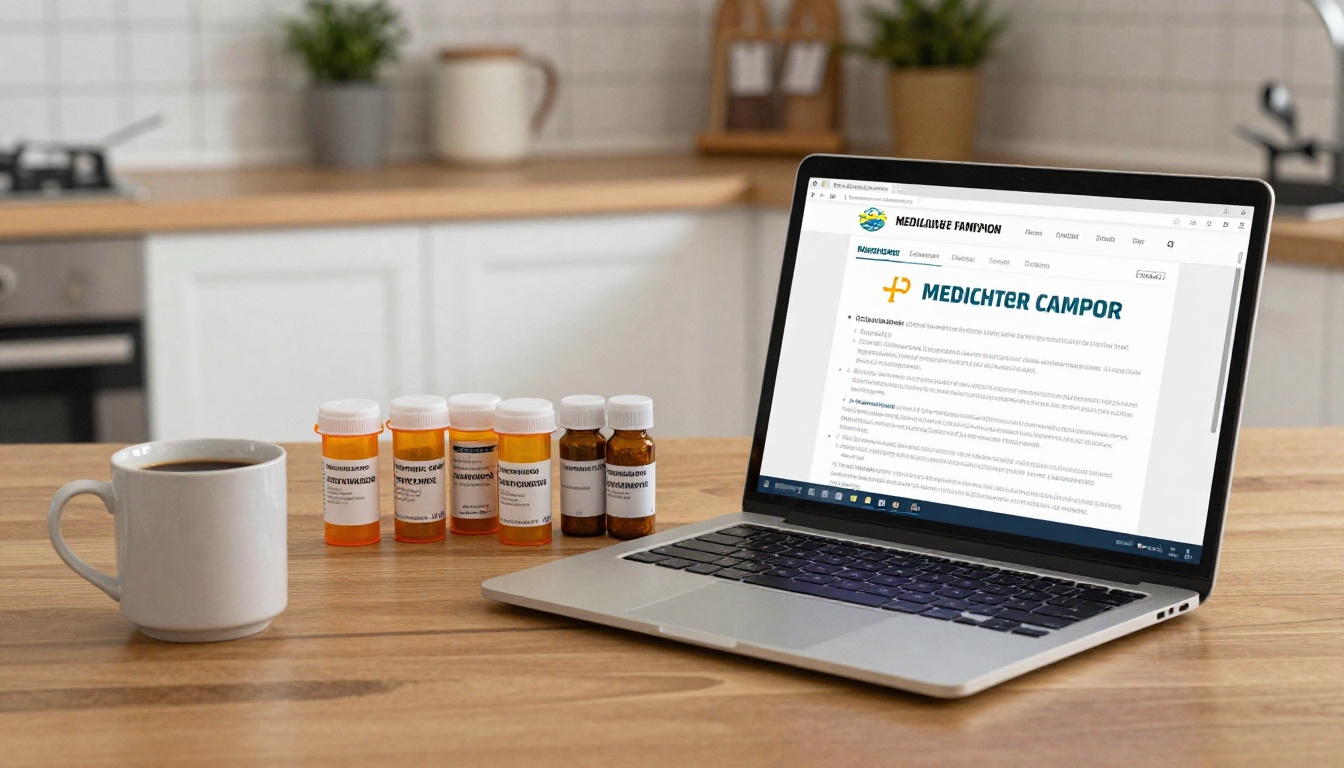
Medicare’s free comparison tool, Plan Finder, is the only place where you can put your actual drug list and ZIP code into a single screen and see every Part D and Medicare Advantage plan in your area ranked by what they’ll cost you. The tool is genuinely useful, but it’s also dense, and most people give up before they get to the part that matters. This walkthrough takes you through it the way a patient relative would, step by step, so you finish with a real comparison instead of a headache.
What does Plan Finder actually do?
Plan Finder is run by the Centers for Medicare & Medicaid Services and lives at medicare.gov/plan-compare. According to KFF, it lets you compare three things in your ZIP code: stand-alone Medicare Part D drug plans, Medicare Advantage plans (with or without drug coverage), and Medigap supplement policies. You can enroll in a Part D or Advantage plan directly through the site. Medigap is shown for shopping only — those policies are sold by private insurers and you sign up by calling the carrier.
The reason Plan Finder is worth the trouble is that it personalizes the cost estimate. Plug in the names and doses of the prescriptions you actually take and the pharmacy you actually use, and the tool will estimate your total annual out-of-pocket cost on each plan — premium plus deductible plus copays. That number can vary by hundreds, sometimes thousands, of dollars between two plans that look similar on paper. AARP notes that two plans covering the exact same drugs can have wildly different copays, and that preferred pharmacies inside a single plan’s network often charge less than other pharmacies in the same network.
The tool refreshes for the new plan year on October 1 each year, just before the Medicare Open Enrollment period opens on October 15 and runs through December 7. Anything you sign up for during that window takes effect January 1.
What to have on hand before you start
Before you click anything, gather four things: your red, white, and blue Medicare card (or your Medicare number), the names and exact doses of every prescription you take, the names of one or two pharmacies you actually use, and a notepad. The notepad is for writing down plan names and total annual cost estimates as you go, because the screen will reset if you backtrack.
You don’t have to log in to use Plan Finder, but you should. Logging in with your free my.Medicare.gov account saves your drug list and pharmacy choices so you don’t have to retype them next year, and it lets the tool pre-fill any plan you’re already in. If you don’t have an account yet, you can create one with your Medicare number and the date your Part A or Part B coverage started — both are printed on your card.
One small but useful tip: write your drug names exactly as they appear on the bottle, including dose (for example, “atorvastatin 20 mg, one tablet daily”). The tool’s drug search is literal, and a mistyped dose can throw off the cost estimate by a lot.
Step by step: comparing plans by your drug list
Start at medicare.gov/plan-compare and click the green “Find plans” button. The first screen asks what you want to compare. Most people on Original Medicare who only need help with prescriptions should choose “Drug plan (Part D).” If you want a single plan that bundles hospital, doctor, and drug coverage, choose “Medicare Advantage Plan.” Then enter your ZIP code; if your ZIP spans more than one county, the tool will ask you to pick.
Next comes the drug list. Type each medication’s name; the tool autocompletes from the federal drug database. Pick the right strength and quantity (a 30-day supply versus 90-day matters), then add it to your list. When you’re done, click “My drug list is complete.” You’ll then choose up to two pharmacies — the tool shows preferred and standard pharmacies inside roughly a five-mile radius, and you can widen that radius or add a mail-order option. Mail order is often the cheapest tier for maintenance drugs you take every day, but only if your plan’s mail-order pharmacy actually carries them, so it’s worth comparing both.
Now the results page. Plans are sorted, by default, by “Lowest drug + premium cost,” which is the closest thing to your real annual out-of-pocket. Don’t just look at the top of the list and stop. Check the box next to the two or three cheapest plans and click “Compare.” The side-by-side view shows monthly premium, deductible, drug-tier copays at your pharmacy, the plan’s Medicare Star Rating, and any restrictions like prior authorization or step therapy on your specific drugs. For Advantage plans, the comparison also shows in-network and out-of-network cost sharing for doctor visits, hospital stays, and supplemental benefits like dental or vision. If a plan flags one of your drugs as “not covered,” that’s a deal-breaker — pick a different plan or call the carrier and ask whether a formulary exception is realistic.
What’s new in Plan Finder for 2026
Two changes are worth knowing. First, all Part D plans now have to honor a $2,100 annual out-of-pocket cap on covered prescription drugs, up from $2,000 in 2025. The figure comes from the final CY 2026 Part D redesign instructions issued by CMS and is built into the cost estimates Plan Finder shows. Once your spending on covered drugs hits that cap, you pay $0 for the rest of the year. The cap doesn’t apply to premiums or to drugs your plan doesn’t cover, which is one more reason to verify your full drug list is on the formulary before you enroll. We walk through this in more detail in our 2026 Part D out-of-pocket cap explainer.
Second, CMS rolled out an integrated provider directory inside Plan Finder for Medicare Advantage plans for the 2026 plan year, with network data supplied by a contractor (SunFire Matrix) for most plan types. In plain English: for many Advantage plans you can now type a doctor’s name on Medicare.gov and see whether they’re in network without leaving the site. If a plan hasn’t supplied data, you’ll see a link out to that plan’s own directory instead. CMS is also testing an AI-assisted drug search that’s meant to handle brand-versus-generic confusion better than the current literal search box.
Common mistakes, and where to get free help
The mistake people make most often is picking the plan with the lowest premium. A $0-premium Advantage plan can still cost you more than a $40-premium plan once copays, deductibles, and out-of-network charges are added up. Always sort by total annual cost, not premium. A second common mistake is not re-running Plan Finder every year. Plans change formularies, preferred-pharmacy lists, and prices every January, and a plan that was the best choice in 2025 may rank fifth in 2026. AARP and KFF both recommend redoing the comparison each fall during open enrollment. If you’re weighing whether to stay on Original Medicare with a drug plan and a Medigap policy or switch to an Advantage plan, our piece on Original Medicare vs. Medicare Advantage for 2026 lays out the tradeoffs.
If the screen feels like too much, you don’t have to do this alone. Two free options exist. You can call 1-800-MEDICARE 24 hours a day and a representative will run the comparison for you over the phone. You can also book a free, unbiased one-on-one session with a counselor at your State Health Insurance Assistance Program, known as SHIP, which has volunteers in every state, D.C., Puerto Rico, Guam, and the U.S. Virgin Islands. SHIP counselors don’t sell anything, don’t earn commissions, and are trained specifically to walk people through Plan Finder. None of this replaces a conversation with your doctor about whether a specific drug or treatment is right for you, or with a financial advisor about how Medicare costs fit into your retirement budget — but it gets you to a defensible plan choice.
What to remember
Plan Finder is the one place where the comparison is personalized to your drugs, your pharmacy, and your ZIP code, and that’s why it’s worth the half hour it takes. Sort by total annual cost rather than premium, run the comparison fresh each fall during the October 15 to December 7 window, and write down the plan names and numbers as you go. If anything on the screen confuses you, call 1-800-MEDICARE or your local SHIP counselor — both are free, and both have seen every question you might have.
Sources
- Medicare.gov (CMS). “Find a Medicare plan.” 2026. https://www.medicare.gov/plan-compare/
- Medicare.gov (CMS). “Medicare Open Enrollment.” 2026. https://www.medicare.gov/health-drug-plans/open-enrollment
- Centers for Medicare & Medicaid Services. “Final CY 2026 Part D Redesign Program Instructions.” 2025. https://www.cms.gov/newsroom/fact-sheets/final-cy-2026-part-d-redesign-program-instructions
- KFF. “What is the Medicare Plan Finder?” 2025. https://www.kff.org/faqs/medicare-open-enrollment-faqs/general-enrollment-information/what-is-the-medicare-plan-finder/
- AARP. “How can I pick the best Medicare Part D plan for me?” 2025. https://www.aarp.org/medicare/faq/choosing-best-drug-plan-for-me/
- SHIP National Technical Assistance Center. “Get Medicare Help from Your Local SHIP Program.” 2026. https://www.shiphelp.org/
- Centers for Medicare & Medicaid Services. “Medicare Advantage and Medicare Prescription Drug Programs Expected to Remain Stable in 2026.” 2025. https://www.cms.gov/newsroom/press-releases/medicare-advantage-medicare-prescription-drug-programs-expected-remain-stable-2026