This article is general information, not financial, tax, or legal advice. Consult a licensed professional before acting on it.
Set up your my Social Security account: the 10 minutes that block fraud
The Social Security Administration spent the past two years shutting a back door on fraudsters: as of June 7, 2025, the old SSA username-and-password no longer works. You have to come in through Login.gov or ID.me. More than 100 million Americans have already done it, the agency reported in February 2026. If you’re 60 or older and still get a paper statement in the mail, you’re probably on the missing list — and the setup takes about 10 minutes.
What a my Social Security account actually does
Most people think of the account as a way to read their Statement, and that’s true: you can see your earnings history, your projected retirement benefit at every claiming age from 62 to 70, your Social Security Disability Insurance (SSDI) estimate, and what your spouse and children would receive in survivor benefits. That’s the headline use, and it’s worth checking once a year because an unreported year of wages can permanently shrink the benefit you eventually claim.
But the account is also the dashboard for nearly everything else SSA does. You can request a replacement Social Security card (in most states), change your mailing address, set up or change direct deposit, check the status of an application, and download a benefit verification letter for a landlord or lender. If you already receive benefits, you can grab your annual cost-of-living adjustment notice online weeks before the paper version shows up — a useful preview given that SSA announced a 2.8% COLA for 2026, worth roughly $56 a month for the average retired worker, with payments starting in January 2026.
The quietest benefit is the most important. Once you have an account in your name, no one else can open one with your SSN. Identity thieves who try to grab someone’s benefits often start by registering a my Social Security account before the real person does. Beating them to it is free.
Login.gov or ID.me — which should you pick?
SSA accepts two credential providers, and neither one stores your benefit data. According to Login.gov’s help page, it’s the sign-in service only — your benefit details, payment history, and SSN remain on SSA’s side. ID.me works the same way. Both meet the federal government’s higher identity-assurance standard, which is why setting one up requires uploading a photo ID rather than just picking a password.
Login.gov is the federal government’s own service, run by the General Services Administration. It’s free, the interface is straightforward, and the same login works for the IRS, USPS Informed Delivery, the SBA, and dozens of other agencies. ID.me is a private company, also free to consumers, that handles identity proofing for the VA, many state unemployment systems, and some IRS tools. Its self-service flow takes 5 to 10 minutes; if the document upload fails, ID.me also offers a live video call with an agent — a useful fallback if your driver’s license photo is worn or your name doesn’t match across documents.
If you have no existing federal account, choose Login.gov. If you already use ID.me at the VA or for state unemployment, reuse it so you have one fewer password to manage. You don’t have to pick the same one your spouse picked.
What to gather before you sit down
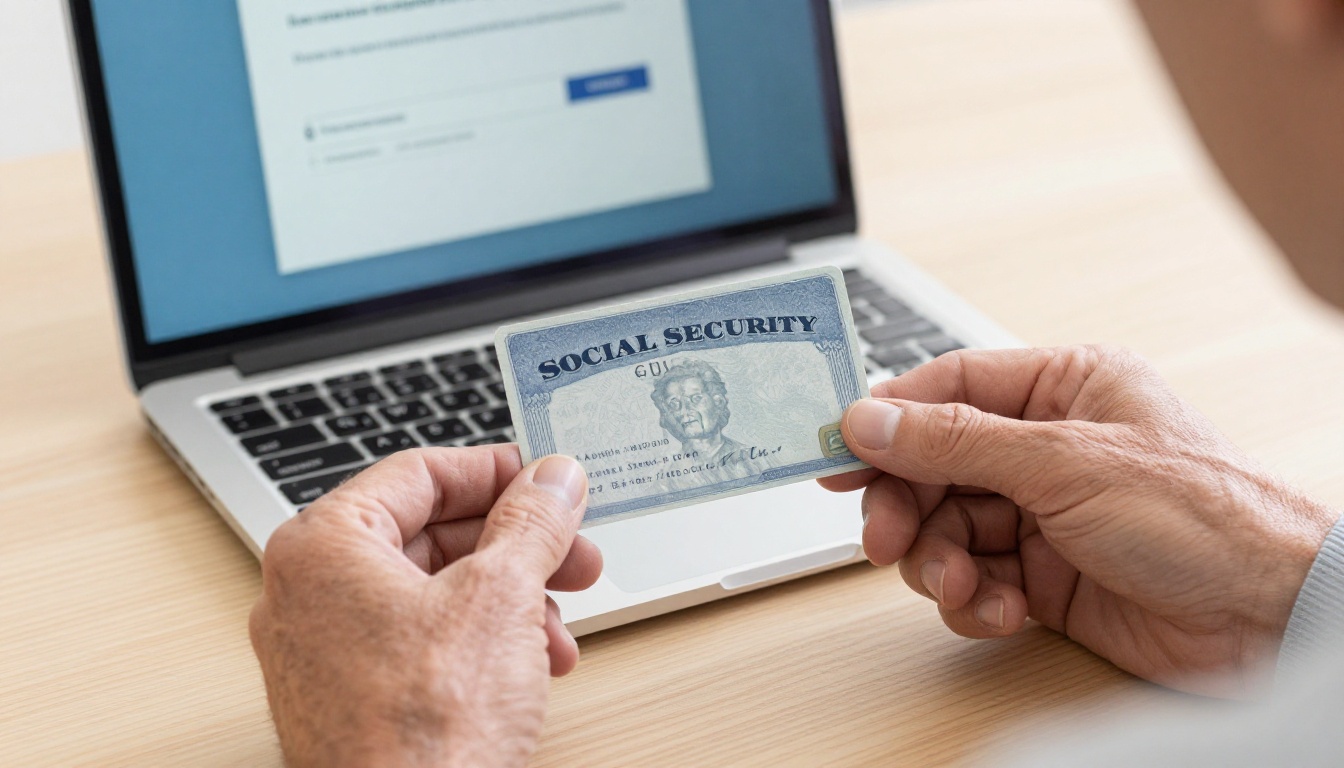
You’ll move faster if these are within arm’s reach: your Social Security card or a document showing your SSN; one unexpired government-issued photo ID (driver’s license, state ID, or U.S. passport); a working email address you can check during setup; and a mobile phone that can receive a text or call. A desktop or laptop with a webcam is easier than a phone, but a phone works — you’ll need a camera either way to photograph the ID and take a brief selfie.
If you’ve placed a credit freeze with Equifax, Experian, or TransUnion, be ready to lift it temporarily. Some identity-verification systems ping the credit bureaus to confirm you’re you, and a frozen file can stall the process. The Federal Trade Commission’s identity-theft guidance walks through how to thaw a freeze for a specific window, usually a single day, then let it snap back automatically.
The actual setup, step by step
Open ssa.gov/myaccount and click Sign In or Create an Account. Pick Login.gov or ID.me. Create your credentials with an email address you’ll keep for years (not a work address you’ll lose at retirement) and a long, unique password. A password manager makes this painless; if you don’t use one, write the password down and put it where you keep your tax records.
Next comes multi-factor authentication. You’ll be asked to choose a second factor: an authenticator app like Google Authenticator or Authy, a hardware security key, a phone-call or text code, or backup codes. The authenticator app is the strongest realistic option for most people; SMS codes are weakest because of SIM-swap fraud, but they’re better than nothing if you’re not comfortable with apps. Set up two factors if the system lets you — losing access to a single phone shouldn’t lock you out of your benefits.
Identity proofing is the last hurdle. You’ll photograph the front and back of your ID, take a brief selfie so the system can match your face to the photo, and confirm a phone number in your name. If everything matches, you’re routed back to SSA and signed in within a minute. If something fails — a blurry photo, a recently moved address, a name that doesn’t match because of a marriage — try the live agent option on ID.me, or call SSA at 1-800-772-1213 (TTY 1-800-325-0778) to do part of the verification in person at a field office.
Lock the door behind you
Creating the account is half the work; the other half is making sure it stays yours. Inside Login.gov or ID.me, turn on email and text alerts for new sign-ins so you’ll know immediately if someone tries to access the account from a new device. Inside SSA, confirm that direct deposit goes to a bank account you actually control — redirecting benefits to a stranger’s prepaid card is a common scam.
For people who suspect their SSN has already been compromised, SSA offers a stronger option called the eServices block, sometimes called “Block Electronic Access.” It freezes your record so that no one — including you — can view or change information through SSA’s online or automated phone systems. You request it by calling 1-800-772-1213 or visiting secure.ssa.gov/acu/IPS_INTR/blockaccess, and you remove it later by calling back and proving your identity in person. It’s overkill for most people, but if your wallet was stolen or you’ve already seen unauthorized activity on your credit report, it’s a real tool.
Be skeptical of any phone call, email, or text claiming to come from SSA. The agency does not call to threaten arrest, demand payment in gift cards, or ask you to “verify” your SSN. Our guide to the SSA impostor phone call scam explains how those calls are scripted and what to do if you’ve already shared information. If you’ve been hit, report it through identitytheft.gov; the FTC will generate a recovery plan and the dispute letters you’ll need.
While you’re in cleanup mode, it’s worth a few minutes on the real impact of the 2026 COLA so you know what your January deposit should look like — a quick way to spot if something has been redirected.
What to remember
A my Social Security account is free, takes about 10 minutes, and quietly prevents one of the most common identity-theft routes against people over 60. Pick Login.gov if you have no other federal logins, ID.me if you already use it elsewhere, and turn on the strongest second factor your phone supports. Sign in once a year to glance at your earnings record and confirm direct deposit is going to the right place — that yearly check is the difference between catching a problem in a week and catching it in a year.
Sources
- Social Security Administration. “Create an Account | my Social Security.” 2025. https://www.ssa.gov/myaccount/create.html
- Social Security Administration. “More Than 100 Million People Now Use my Social Security.” 2026. https://www.ssa.gov/news/en/advocates/2026-02-09.html
- Social Security Administration. “Social Security Announces 2.8 Percent Benefit Increase for 2026.” 2025. https://www.ssa.gov/news/en/press/releases/2025-10-24.html
- U.S. General Services Administration. “Social Security Administration (SSA) | Login.gov.” 2025. https://www.login.gov/help/specific-agencies/ssa/
- AARP. “Logging in to Your Social Security Account? You May Find a Surprise.” 2024. https://www.aarp.org/social-security/ssa-sign-in-change-2024/
- Federal Trade Commission. “What To Know About Identity Theft.” 2024. https://consumer.ftc.gov/articles/what-know-about-identity-theft