The tech-support scam in 2026: the pop-up, the phone number, and how to recover
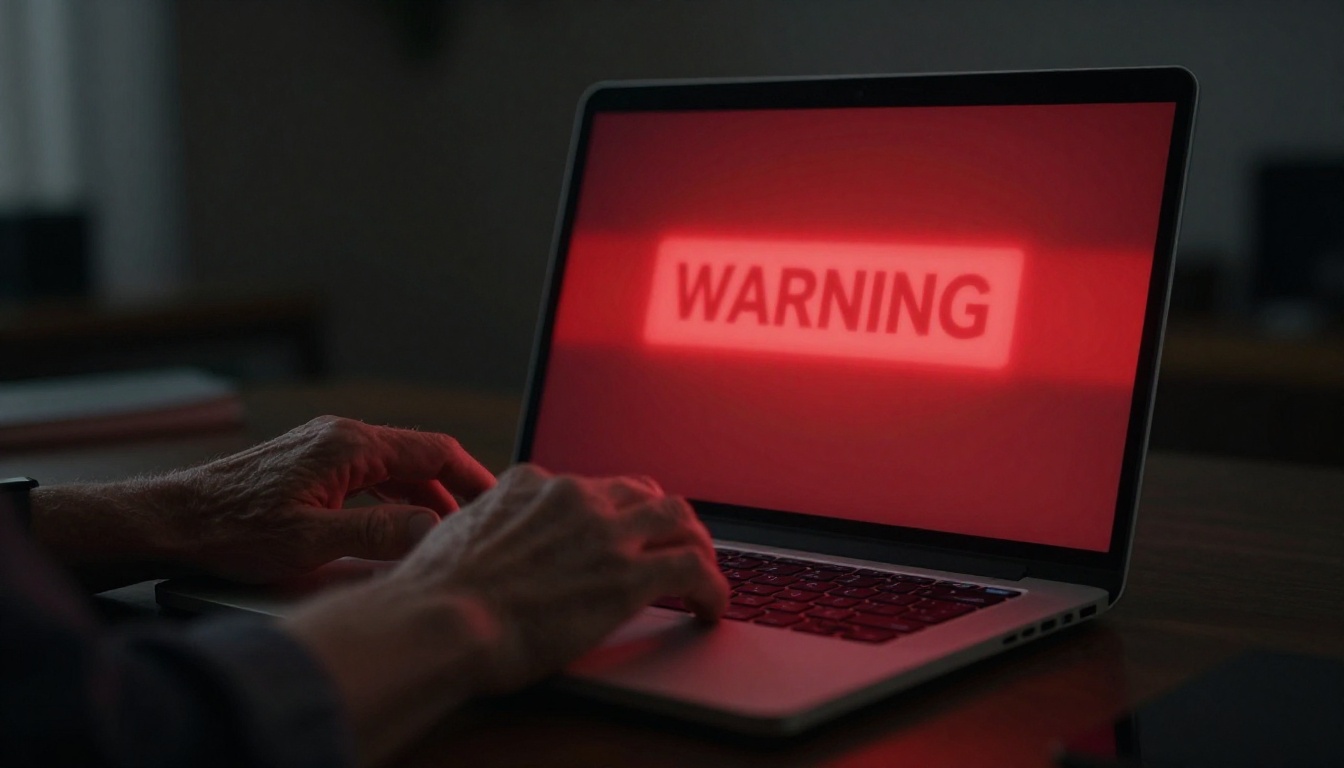
Your screen freezes. A red warning fills the browser, a Microsoft or Windows logo sits in the corner, and a robotic voice repeats that your computer is infected and you must call the number on the screen right now. Don’t call it. That number connects you to a criminal, not to Microsoft, and the whole thing is a scam that stole roughly $924 million from Americans in 2024 alone, according to the Federal Trade Commission — more than any other type of impersonation fraud.
What actually happens when you call that number?
The pop-up is theater. Nothing is wrong with your computer. Scammers buy cheap web ads and build fake alert pages designed to hijack your browser, play alarm sounds, and sometimes lock the tab so you can’t close it. The panic is the point. When your heart is pounding, you don’t stop to think — you dial.
Whoever answers claims to be from Microsoft, Apple, or Geek Squad. They’ll sound calm and helpful, which is disarming after the screaming pop-up. Then comes the ask: let me connect to your computer so I can look at the problem. Once you grant remote access, they run a fake “scan,” point to normal system files as if they were viruses, and announce they’ve found something serious. Now they can see your screen, your open accounts, and anything you type.
From there it’s a sales pitch or a robbery, sometimes both. They may charge you a few hundred dollars for worthless “protection software.” The FTC is blunt about one detail that cuts through all of it: a real security warning will never give you a phone number to call. If a pop-up tells you to call, it’s a scam. Every time.
Why does this hit people over 60 so hard?
Age isn’t the reason — targeting is. Older adults tend to have more savings within reach, and scammers write their scripts accordingly. FTC data show consumers 60 and older are about five times more likely than younger adults to report losing money to a tech-support scam, and older consumers reported roughly $159 million in tech-support losses in 2024.
The broader picture is worse. AARP, citing federal figures, reports that adults 60 and older lost about $7.7 billion to fraud in 2025, a jump of roughly 60% over the prior year. The FBI’s Internet Crime Complaint Center attributes about $2.1 billion of the 2025 total specifically to tech and customer-support scams. These aren’t rare events happening to careless people. They’re an industry.
Here’s the uncomfortable truth: falling for one of these has nothing to do with intelligence. It has to do with a well-rehearsed script meeting you on a bad afternoon.
The 2026 twist: they don’t want $300 anymore
The old version wanted a small fee. The version the FTC has been warning about since 2024 wants everything you’ve saved.
In this newer script, the “tech” says the virus is worse than expected — someone is using your computer to launder money or trade in illegal images, and your bank accounts are compromised. To sound official, they transfer you to a second person posing as your bank, or the FTC, or the “fraud department” at a government agency. The FTC calls this out directly in its alert about scammers who want your life savings. Investigators sometimes call it the “phantom hacker” scheme.
Then the instructions get specific and strange. Move your money to a “safe” government account to protect it. Withdraw cash and hand it to a courier who’ll come to your door. Buy gold bars. Send cryptocurrency through a Bitcoin ATM. Load thousands onto gift cards and read off the numbers. No legitimate agency or bank will ever ask you to do any of these things. If someone does, the person on the phone is the thief — full stop.
How do you tell a real alert from a fake one?
The tells are consistent once you know them. Use this short list, and if even one item matches, hang up or close the browser.
- A phone number in a pop-up. Real virus warnings from Windows or your antivirus never tell you to call anyone.
- Pressure and a countdown. “Do not turn off your computer.” “Act in the next 10 minutes.” Urgency is the weapon.
- A request for remote access from someone who called you or whom you reached through a pop-up number.
- Payment by gift card, wire transfer, crypto, or a courier picking up cash. These are the fingerprints of fraud, not customer service.
- Being told to keep it secret from your family or your bank teller.
If a warning appears and you’re not sure, the safe move is to close the browser entirely (on Windows, press Ctrl+Alt+Delete, open Task Manager, and end the browser task). Restart the computer. Then run a scan with security software you already had installed — not anything the pop-up suggested. For a sense of how these lures echo across channels, our guide to scam text message patterns in 2026 covers the same pressure tactics arriving by phone.
What to do if you already called or paid
Move fast — recovery odds drop by the hour. Work through these in order:
- If you gave remote access, disconnect the computer from the internet, then have a trusted local technician or family member check it. Change your important passwords from a different device, starting with email and banking.
- If you paid by credit or debit card or bank transfer, call your bank or card issuer immediately and ask them to stop or reverse the payment. The first 24 to 48 hours matter most.
- If you paid with a gift card, contact the card’s issuing company right away with the card number and receipt; some funds are occasionally frozen if you’re quick.
- If you moved money by courier, crypto, or wire, report it to the FBI at ic3.gov and to your bank at once.
- Report the scam to the FTC at ReportFraud.ftc.gov. The FBI’s tech-support scam page explains how to file with IC3.
Because scammers who reach your accounts may keep going, it’s worth locking down your credit so no one can open new accounts in your name — our walkthrough on how to freeze your credit step by step shows exactly how at all three bureaus. And if the caller impersonated a relative rather than a company, the tactics overlap heavily with the AI voice cloning covered in our piece on the grandparent scam.
What to remember
If a pop-up gives you a phone number, it’s a scam — no exceptions, no matter how official the logo looks. The people who answer will ask for remote access, then for money by gift card, wire, crypto, or cash courier, and increasingly they’ll pretend to be your bank or the government to talk you into draining your savings. Close the browser, don’t call, and never let a stranger who contacted you first touch your computer or your accounts. If you’ve already paid, speed is everything: call your bank, report to ReportFraud.ftc.gov and ic3.gov, and change your passwords from a clean device. This isn’t legal or financial advice, and complicated losses may warrant a call to your bank’s fraud unit or a licensed advisor — but the first move is always the same: hang up.
Sources
- Federal Trade Commission. “How To Spot, Avoid, and Report Tech Support Scams.” 2025. https://consumer.ftc.gov/articles/how-spot-avoid-and-report-tech-support-scams
- Federal Trade Commission. “New tech support scammers want your life savings.” 2024. https://consumer.ftc.gov/consumer-alerts/2024/03/new-tech-support-scammers-want-your-life-savings
- Federal Bureau of Investigation. “Tech Support Scams.” 2025. https://www.fbi.gov/how-we-can-help-you/scams-and-safety/common-frauds-and-scams/tech-support-scams
- AARP. “Older Adults Hit Hard by Fraud in 2025.” 2025. https://www.aarp.org/money/scams-fraud/fbi-ftc-report-2025-losses/